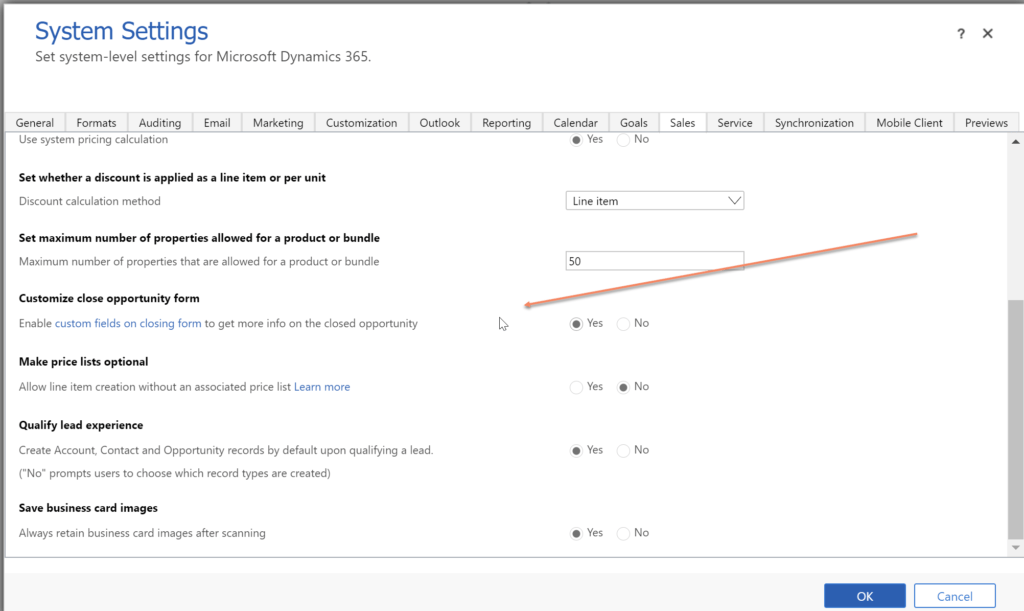
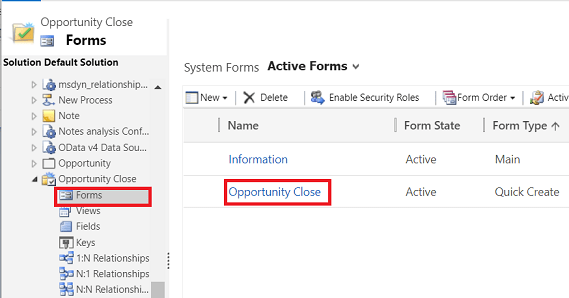
Before you customize the Opportunity Close form, you need to enable the customization of Opportunity Close form from System Settings.
To do that open your Advanced Settings page. Go System > Administration > System Settings. Under Sales tab enable the Customize close opportunity form.
Hope this helps 😊
 Crm Minds
Leave a comment