Tag: Dynamics CRM
-
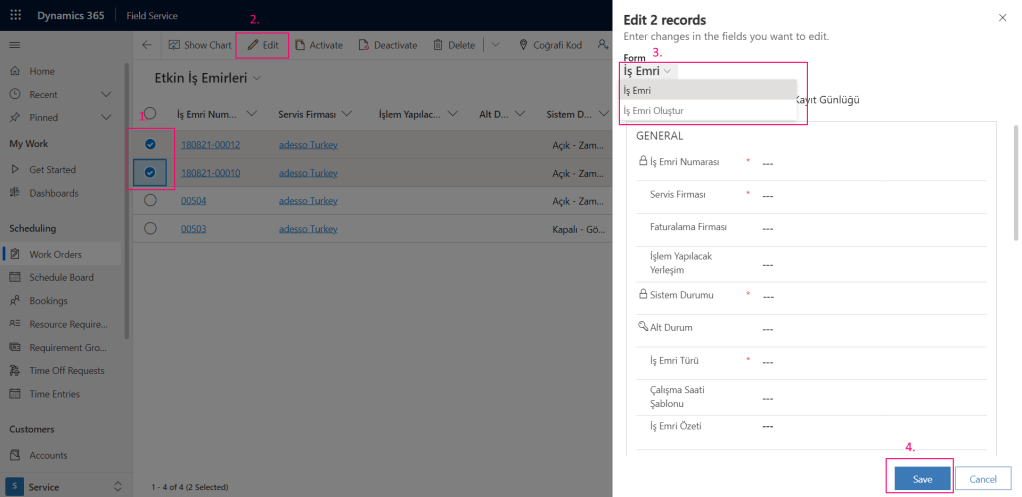
Dynamics 365 – Bulk Edit Entity Records Using Views
In the new 2021 Release Wave 2 that will be go live at October 1st 2021, Microsoft has removed the hybrid experience between Web Client and Unified Interface. With the new Unified Interface dialogues, we now are able to edit multiple records directly from views. The first thing that catches…
-
How To Create Power Automate Flow To Update Currencies In Dynamics 365
Consider your sales team doing business with accounts in different countries and you have more than 1 currency in your system. They ask you to daily update all the currencies in your system so they can finalize the deal at the latest exchange rate. For on premise versions this would…
-
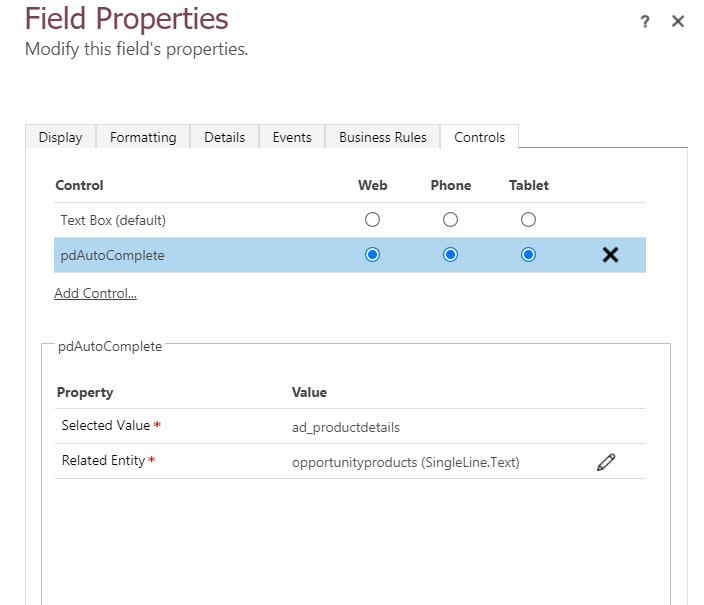
Dynamics 365 – Create AutoPopulate String Field with Custom PCF Control
PowerApps Component Framework PCF (PowerApps Component Framework) are used to create Field type and Data-set type code components and provide an enhanced user experience for the users to view and work with data in forms, views, and dashboards. Developing a custom control Unlike web resources, PCF components are rendered as…
-

Dynamics 365 – Using Progress Indicator
The one of addition that we saw is Progress Indicator functionality with Dynamics 365 v9 release. With this functionality, users can now develop more responsive forms and display the Progress dialog/Indicator using “showProgressIndicator” function of XRM.Utility namespace. You can add showProgressIndicator to any of your form events like Ribbon buttons, field events, onSave event, onLoad…
 Crm Minds